Multi-Monitor Environment Display and Tracking
The principal investigator (PI) wanted to be able to surround a mouse with a 4-walled display of synchronized striped patterns for behavioral experiments, and to sync the history of these displays with her neural and video recording system. The Research Software Programming team developed a MATLAB program to display the desired patterns on a set of four computer monitors arranged as a box, controlled by a fifth monitor, with additional signals wired from the computer to the recording system to track the timing and types of patterns displayed.
Key Benefits to the Lab
- The expanded experiment setup directly enabled pursuing new lines of research, prompting the lab to build a second apparatus to meet the demand from lab staff who wanted to use the setup
- Integrating the MATLAB program with the existing data acquisition software removed the need to spend time manually aligning stimulus, video, and neural data for processing
Details
The PI had previously used a single monitor to display grating patterns to the test mouse; however, she wanted a more immersive environment for these experiments, as well as synchronization with the rest of her recording equipment. Building on the program we had previously developed for the single-monitor display, we designed a four-monitor display and advised the lab on the monitors and cables to purchase to achieve the desired timing specifications. We developed a MATLAB program with a graphical interface that gives the lab the option to configure a display routine of various patterns, specifying what pattern should be displayed on each of the four monitors and for what period of time; this allows for extensive customization of the test parameters. Once a test routine has been configured, it can be saved and reloaded at a later point in time.
Once the test is configured and run, the selected displays will be shown on the monitors for the timing specified. The Research Software Programming team added a digital signal output board to the control computer and wired this board to the Plexon OmniPlex system being used to record video and neural signals during the experiments. We designed a system of codes acceptable as inputs to the OmniPlex; at the beginning of the experiment and each time the display on a monitor is updated, the code signal is sent through the control computer's output board to the OmniPlex, recording the sequence of displays concurrently with the rest of the data. The Research Software Programming team provided a key to these codes, as well as a simple MATLAB command-line tool that can be used to quickly interpret the codes. This multi-monitor display was used frequently enough that the lab eventually had us build a second, identical system.
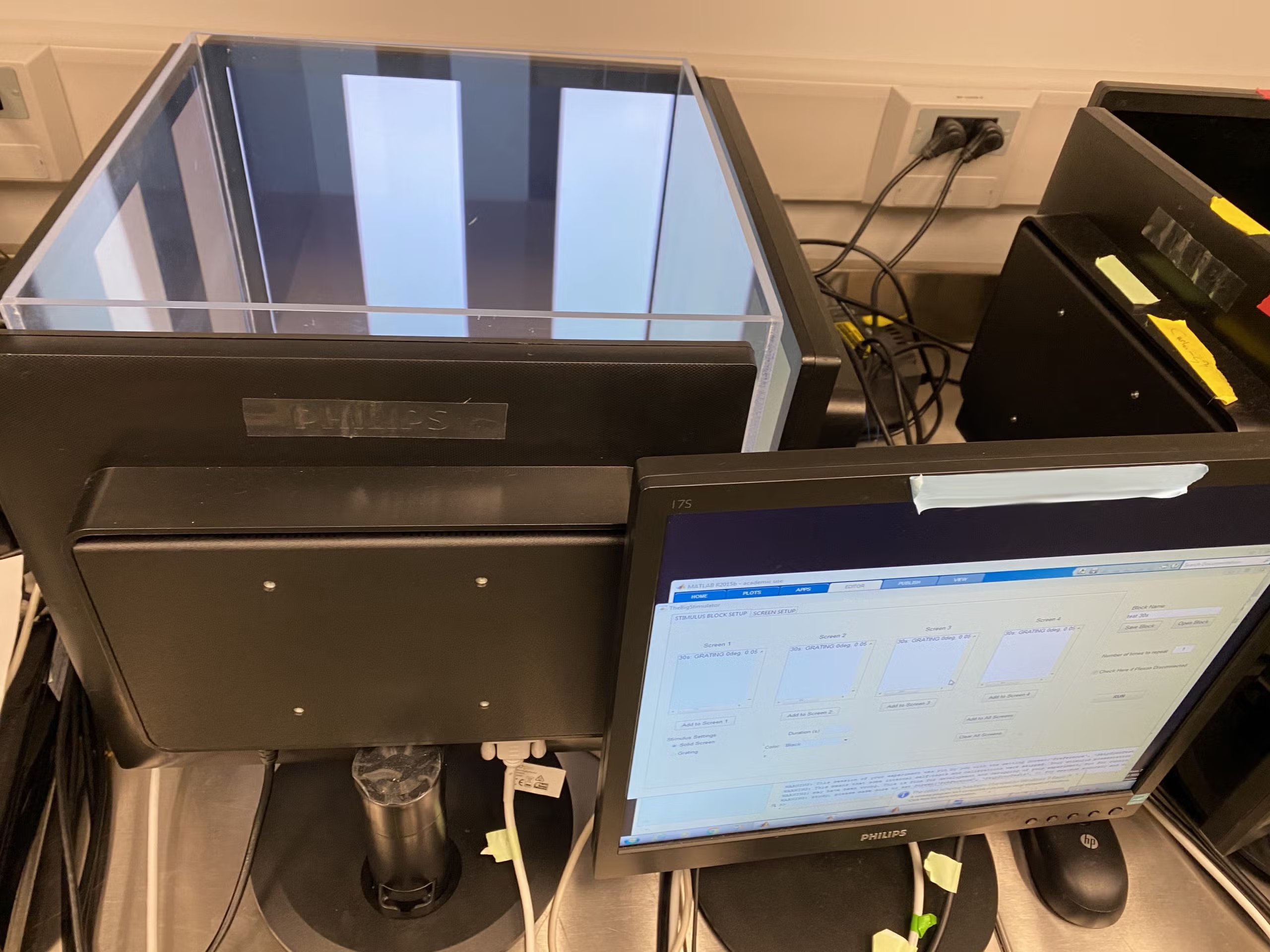
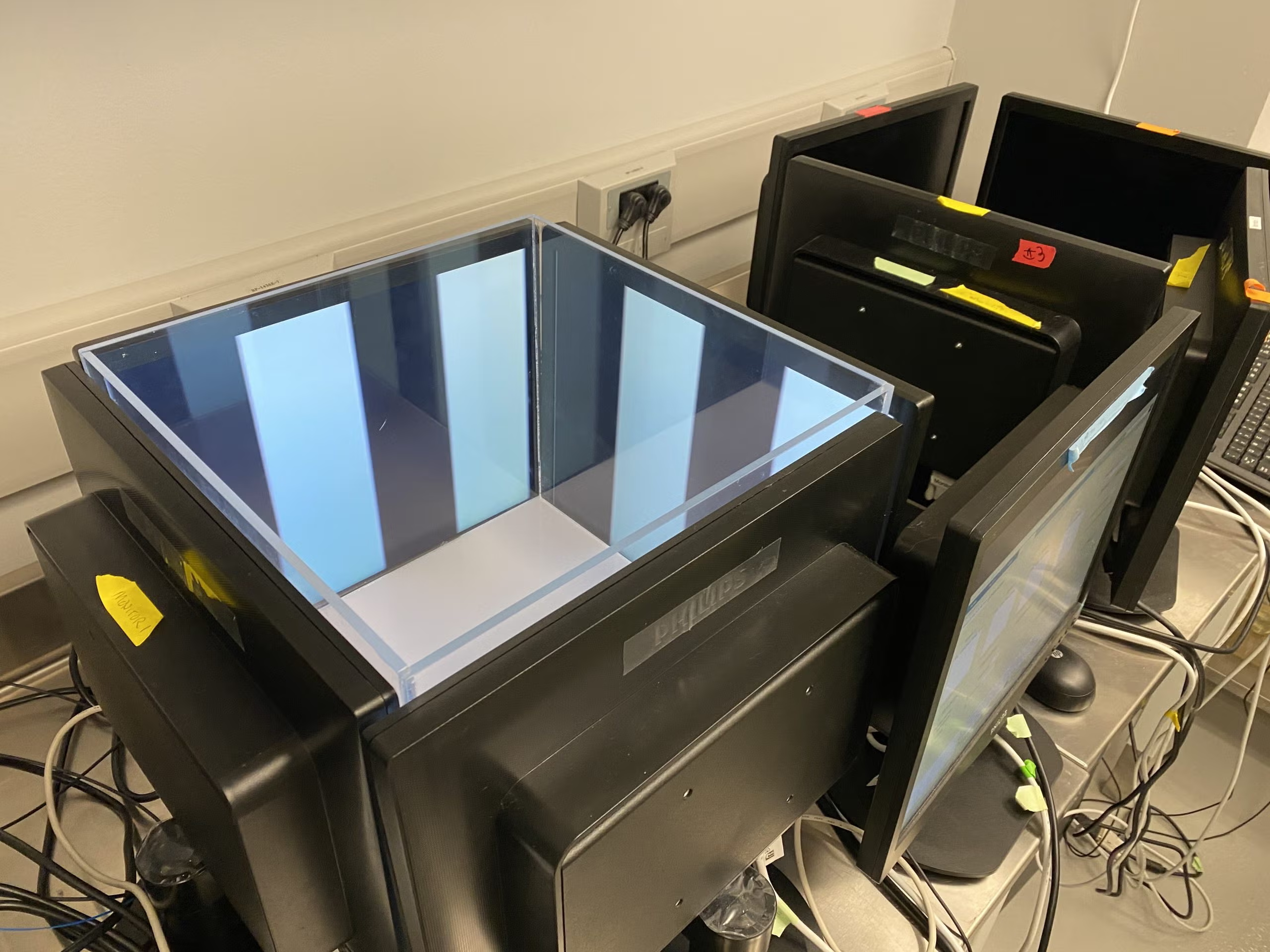
Control monitors allow configuration and animation of the displays on each of the four stimulus monitors, shown here with a black-and-white strip pattern.